Estimates and invoices in a minute
Pick a customer, add lines from your price list, done. One click turns an accepted estimate into an invoice — tax, totals and numbering are worked out for you.
Estimates, invoices, customers and scheduling in one place — with add-ons built for your trade. Email an estimate, get it approved online and turn it into an invoice in one click.
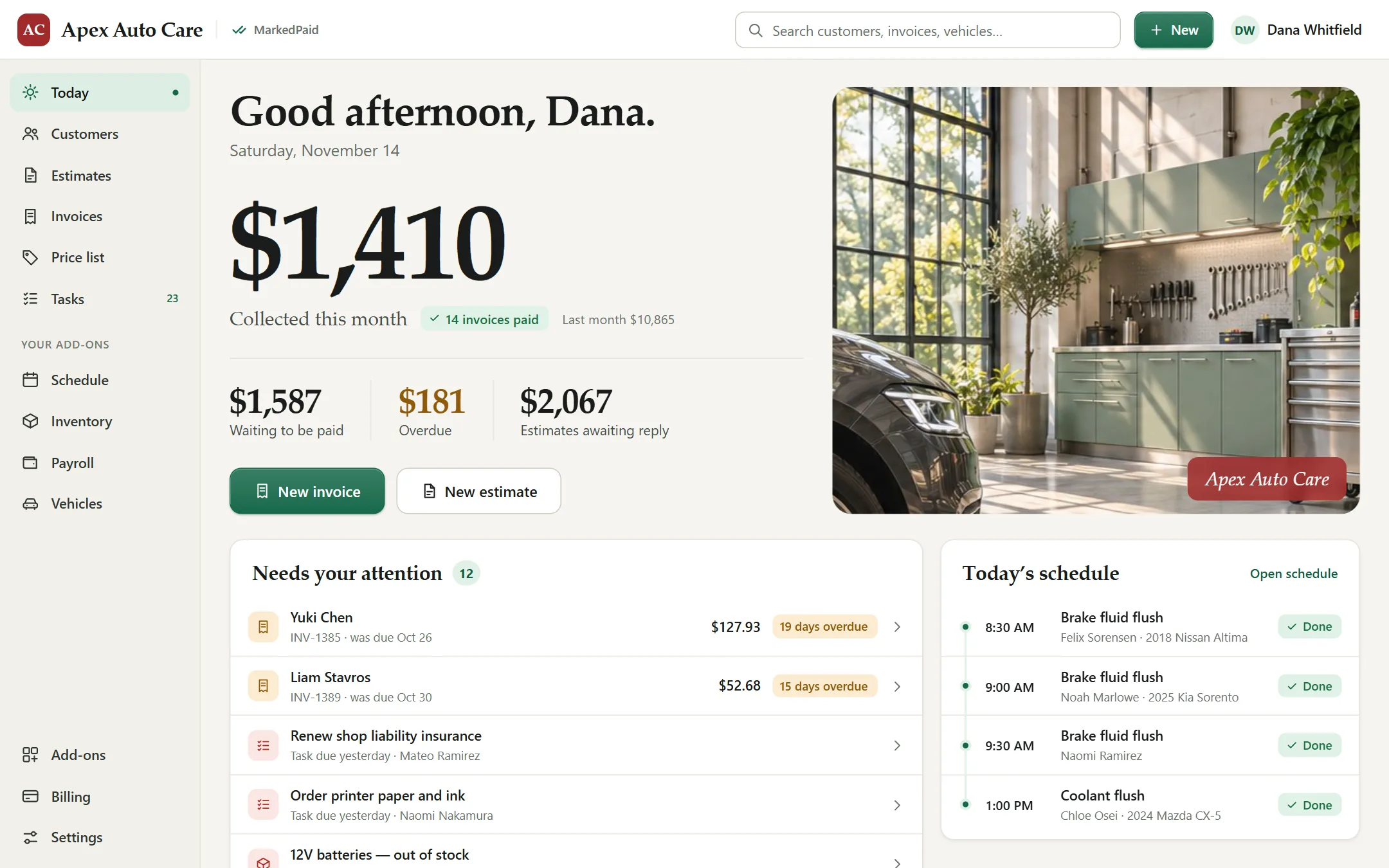
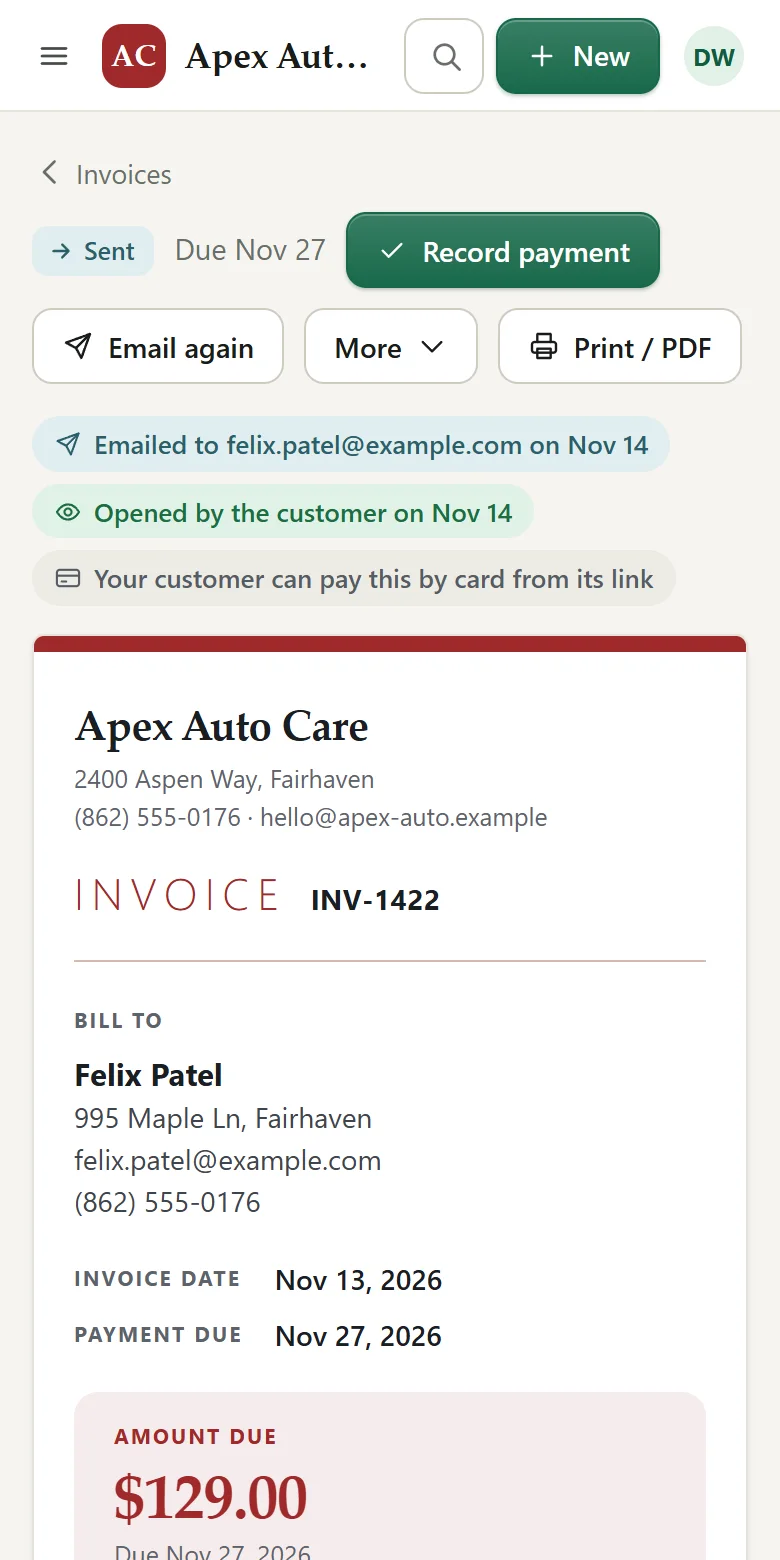
Less paperwork, fewer forgotten invoices, and a clear picture of who owes you what.
Pick a customer, add lines from your price list, done. One click turns an accepted estimate into an invoice — tax, totals and numbering are worked out for you.
Send estimates and invoices by email straight from the app. Your customer opens a private link and accepts with one tap, and you can see when they opened it.
Upload your logo once. Every estimate and invoice carries it, in your own color and a layout you choose, and so does the page your customer opens.
Contact details, jobs, estimates, invoices and what they still owe — the full history, a search away.
When a yearly inspection or a six-month service comes round, its reminder is waiting on your Tasks page thirty days ahead. Email the customer in one click and book the job when they call. Nothing is on your schedule until it is booked.
Open the app and see what needs attention: unpaid and overdue invoices, estimates awaiting a reply and the day’s jobs.
Save your services and products once. Add them to any estimate, invoice or booking without retyping a thing.
Coming from another program or a spreadsheet? Export your customer list, choose the file, check what it found, and they are all there, ready to invoice.
Use it at the job, at the counter or in the office. Add it to your home screen and it opens like any other app.
Choose the customer, add what the job needs from your price list and email it — from the office or from the driveway.
They open the link on any device, look it over and accept. You get an email the moment they do.
Turn the estimate into an invoice in one click and send it. Your customer pays by card from the link, and the invoice marks itself as paid.
Start with the base program, then switch on only what your business needs. Each add-on appears in your menu the moment you turn it on.
One calendar for every job and appointment
Know what is on the shelf before you run out
A shared to-do board for the whole team
Every paycheck worked out for you
Every vehicle, its history and its next service
Remember every client’s preferences
Track the equipment you install and maintain
Every pet’s details at your fingertips
Every property you look after, in one list
See how it fits auto repair shops, salons and barbers, plumbers, heating and cooling, pet groomers, cleaning services and landscaping and lawn care.
No setup fee and no contract. Try everything free for 14 days.
The essentials every business needs, whatever the trade
14 days free. No card needed to start.
Switch add-ons on or off whenever you like; your monthly total follows. Pay monthly by card or PayPal. Cancel anytime.
You choose how to pay and carry on exactly where you left off. If you do nothing, nothing is charged — your account simply waits, with everything you entered kept safe, until you decide.
Yes. It works in the browser on any phone, tablet or computer, and you can add it to your home screen so it opens like an app.
Yes. Email the estimate from the app and your customer gets a private link. They can read it, print it and accept or decline it, and you are told straight away.
Each business gets its own separate database, so your customers and figures are never mixed with anyone else’s. Passwords are stored scrambled, never as plain text.
Yes. Export your customer list from QuickBooks® software (Online or Desktop), choose the file, check what it found and import it. An Excel or CSV file from any other program works the same way. Balances and past invoices are not brought over. QuickBooks is a registered trademark of Intuit Inc.; MarkedPaid is not affiliated with or endorsed by Intuit.
Any time. Switch an add-on on and it appears in your menu straight away; switch it off and everything you entered is kept in case you want it back.
Yes. Switch on card payments in Settings and every invoice you send has a Pay by card button. The money goes straight to your own bank account through Stripe, the payment company — it never passes through us — and the invoice marks itself as paid.
From the Billing page inside the app, in two clicks. You keep access until the end of the time you have paid for.
Write to help@markedpaid.com and a person will reply.
Set up takes a few minutes. Your first estimate can be on its way to a customer today.
Start your free trial